Welcome Screen
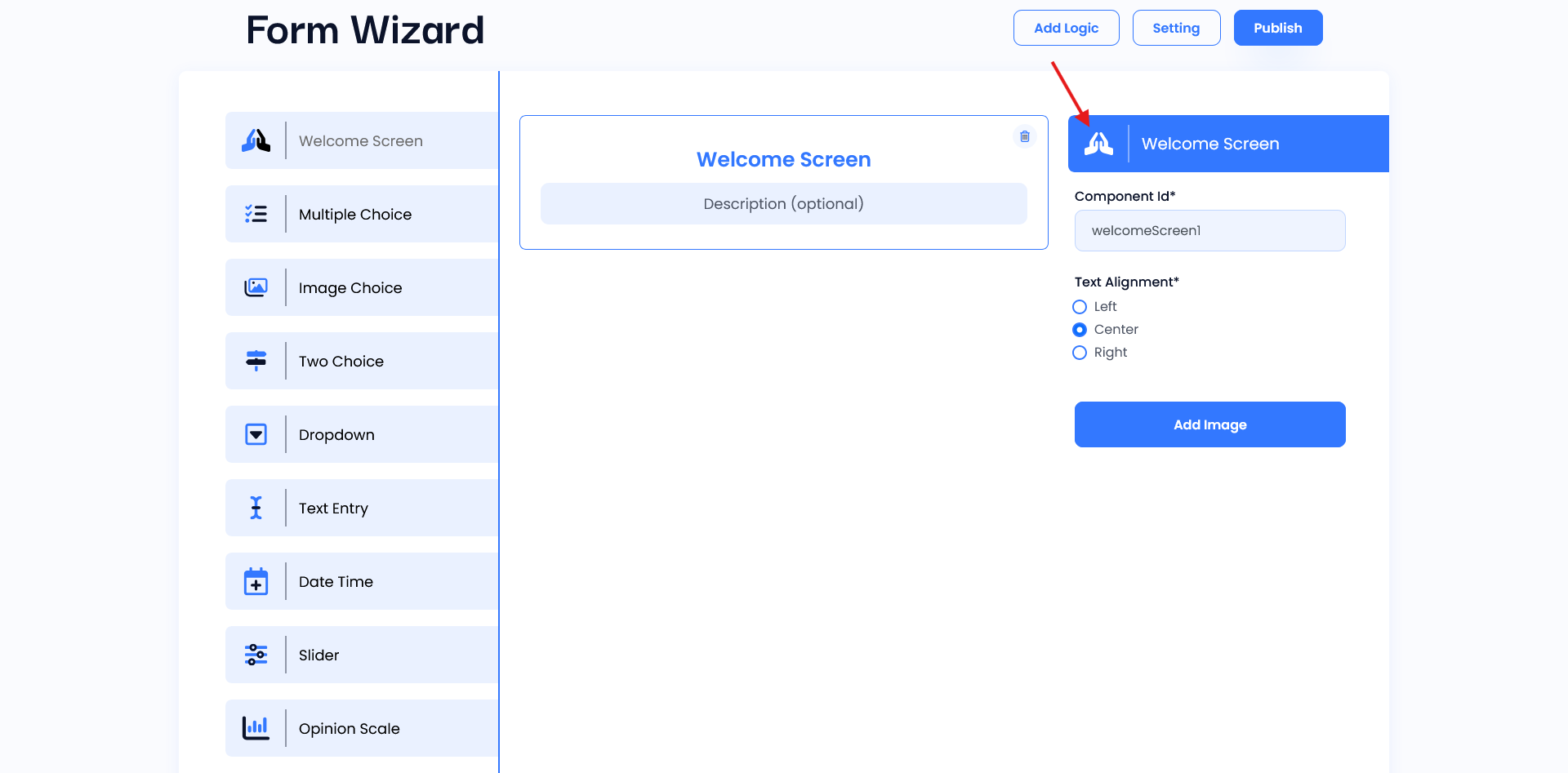
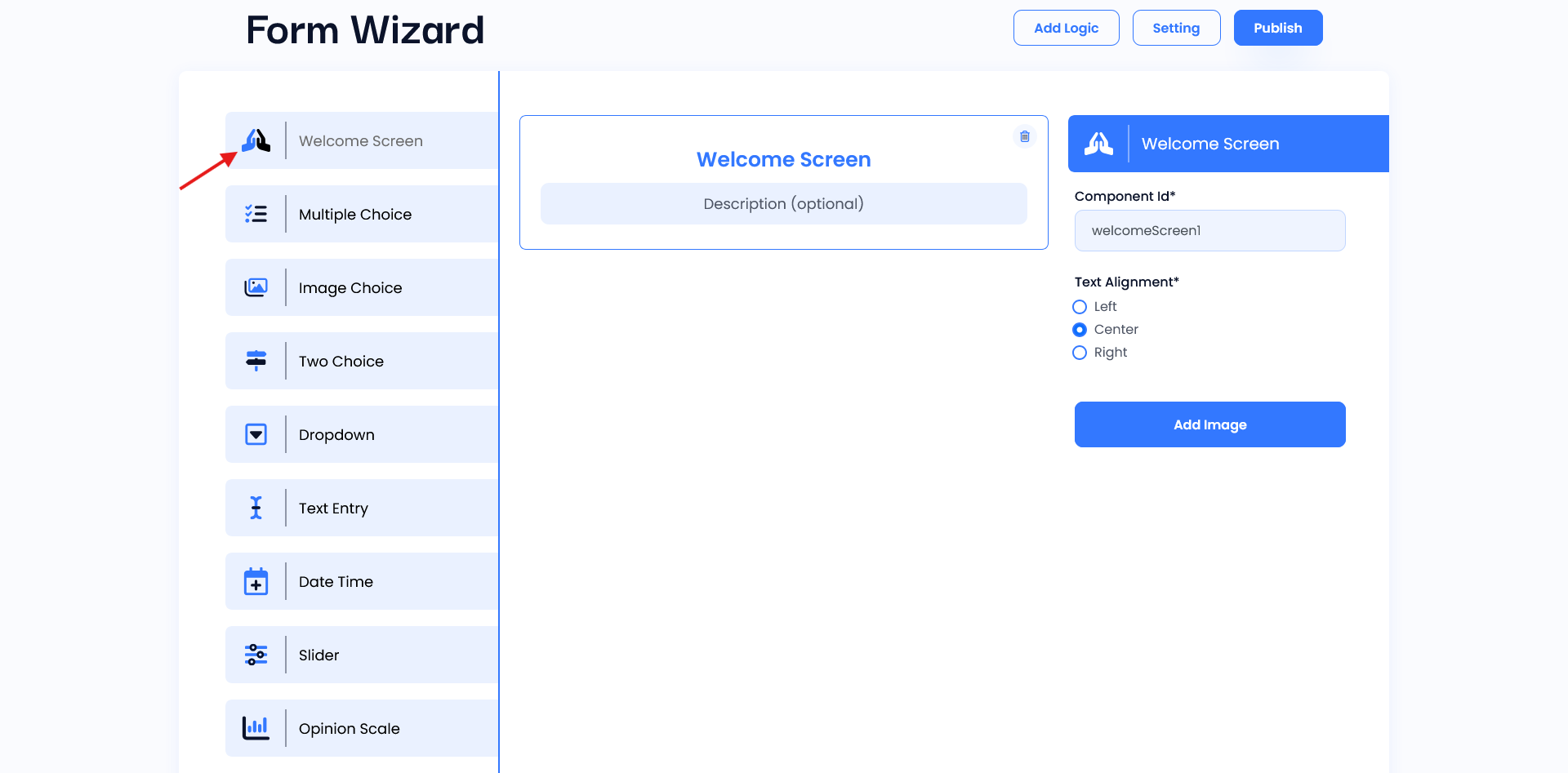
Welcome Screen is the first component that users see. This is a live preview area that shows exactly how your Welcome Screen will look, displaying the title, description, and any added images in real time. It lets you see design changes instantly, ensuring a visually engaging welcome for users.
Setting
- Component ID: Assigns a unique identifier for the Welcome Screen.
- Text Alignment: Select text alignment (Left, Center, Right) to position the text as desired.
- Add Image: Option to attach an image relevant to this field.