Image Choice
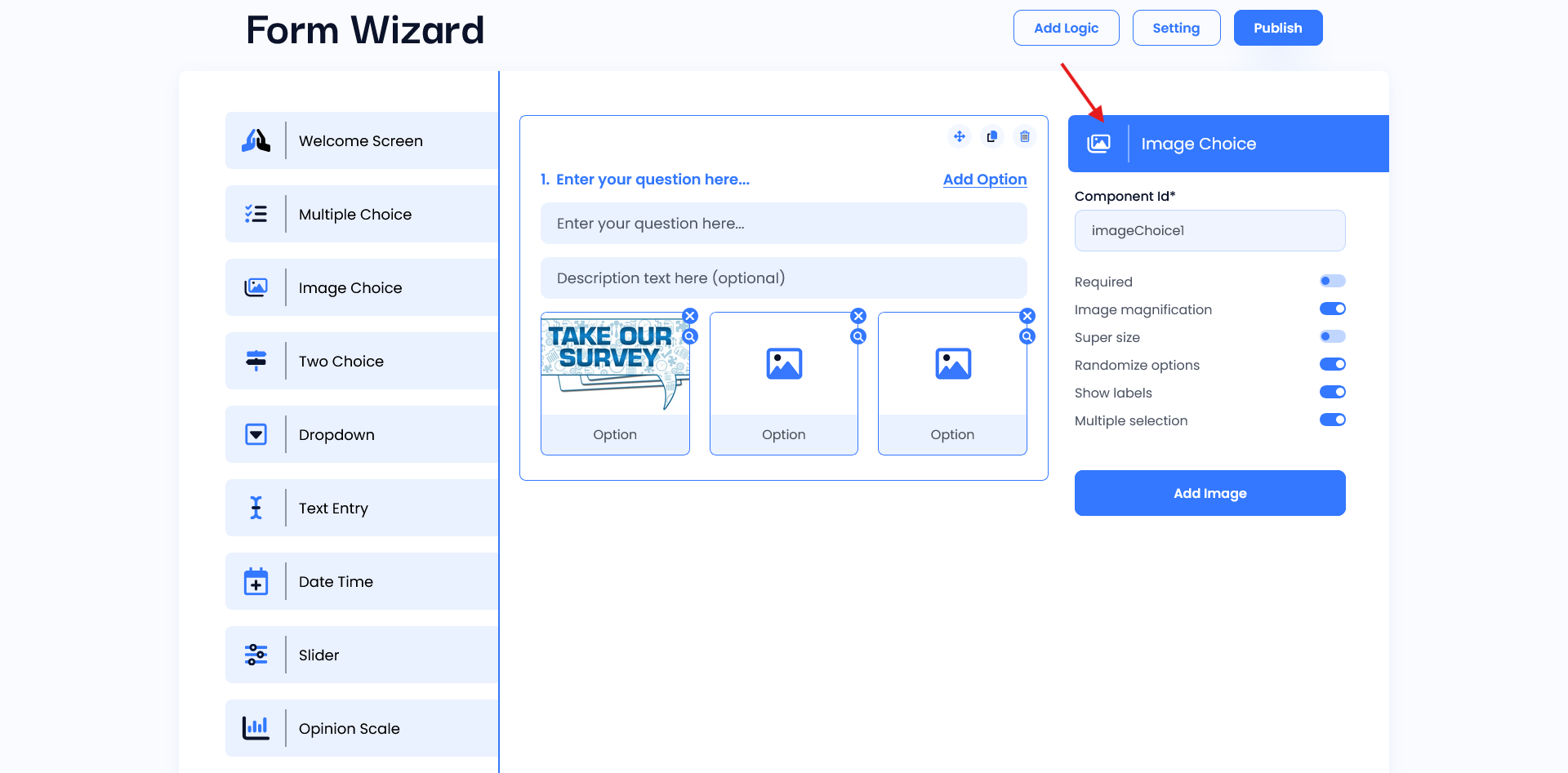
Image Choice shows a live preview of the Image Choice question, displaying each image option as users will see it. there are two input fields: the first is for entering the main question, and the second is for an optional description to provide additional context or instructions.This helps you verify that images are visible and correctly arranged for an engaging, user-friendly experience.
Setting
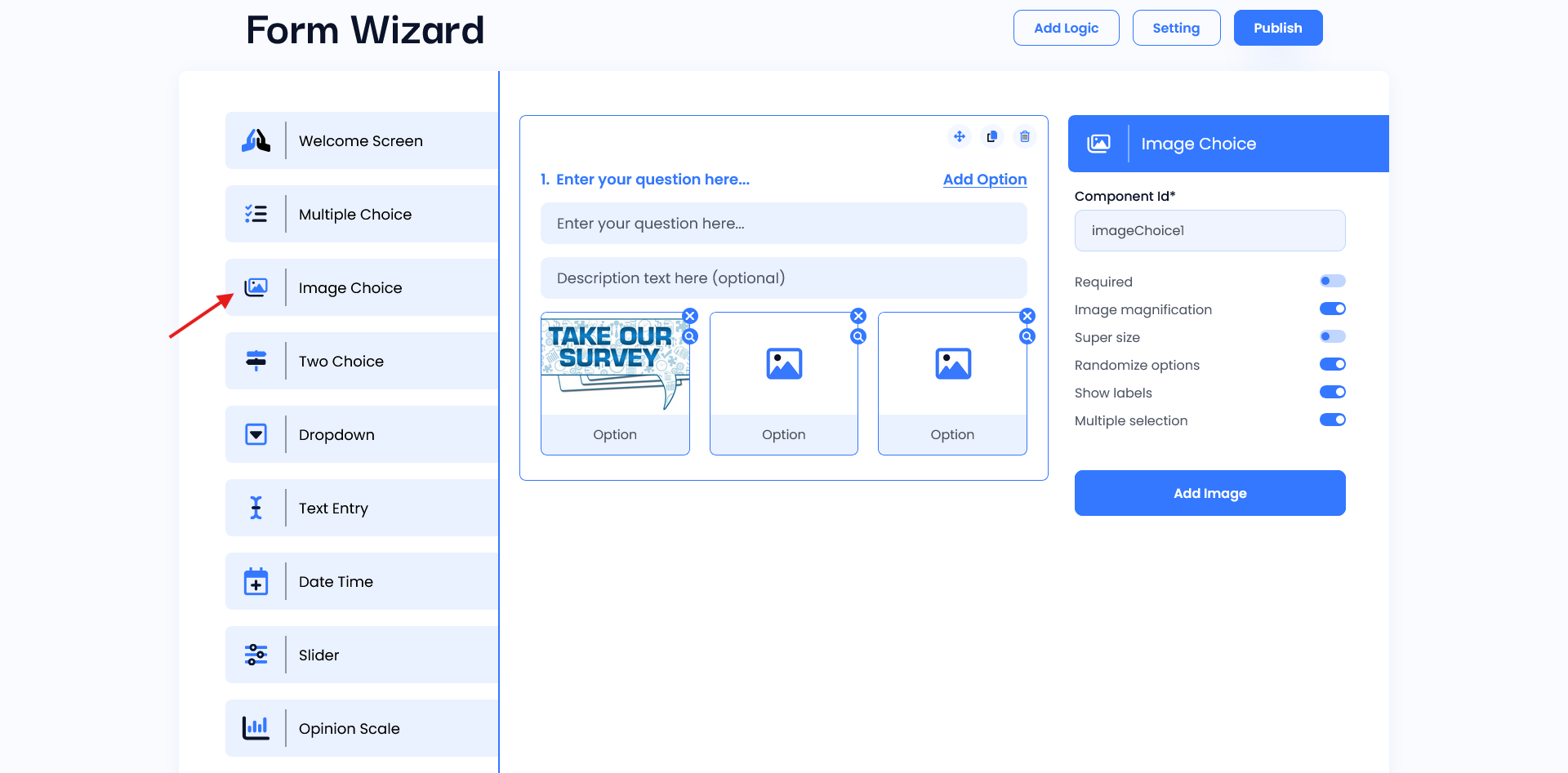
- Component ID: Assigns a unique identifier for the Image.
- Required Toggle: When enabled, this option makes the text field mandatory. Users cannot submit the form without filling in this field, which is useful for collecting essential information.
- Image Magnification: The user can view the image in modal using this option.
- Super Size: The user can change the size of the image using this option.
- Randomize Options: When this is enabled, the options will appear in a random order each time, helping reduce order bias.
- Show Labels: Show the label of images using this field.
- Multiple Selection: Select the multiple option at a time using this toggle.
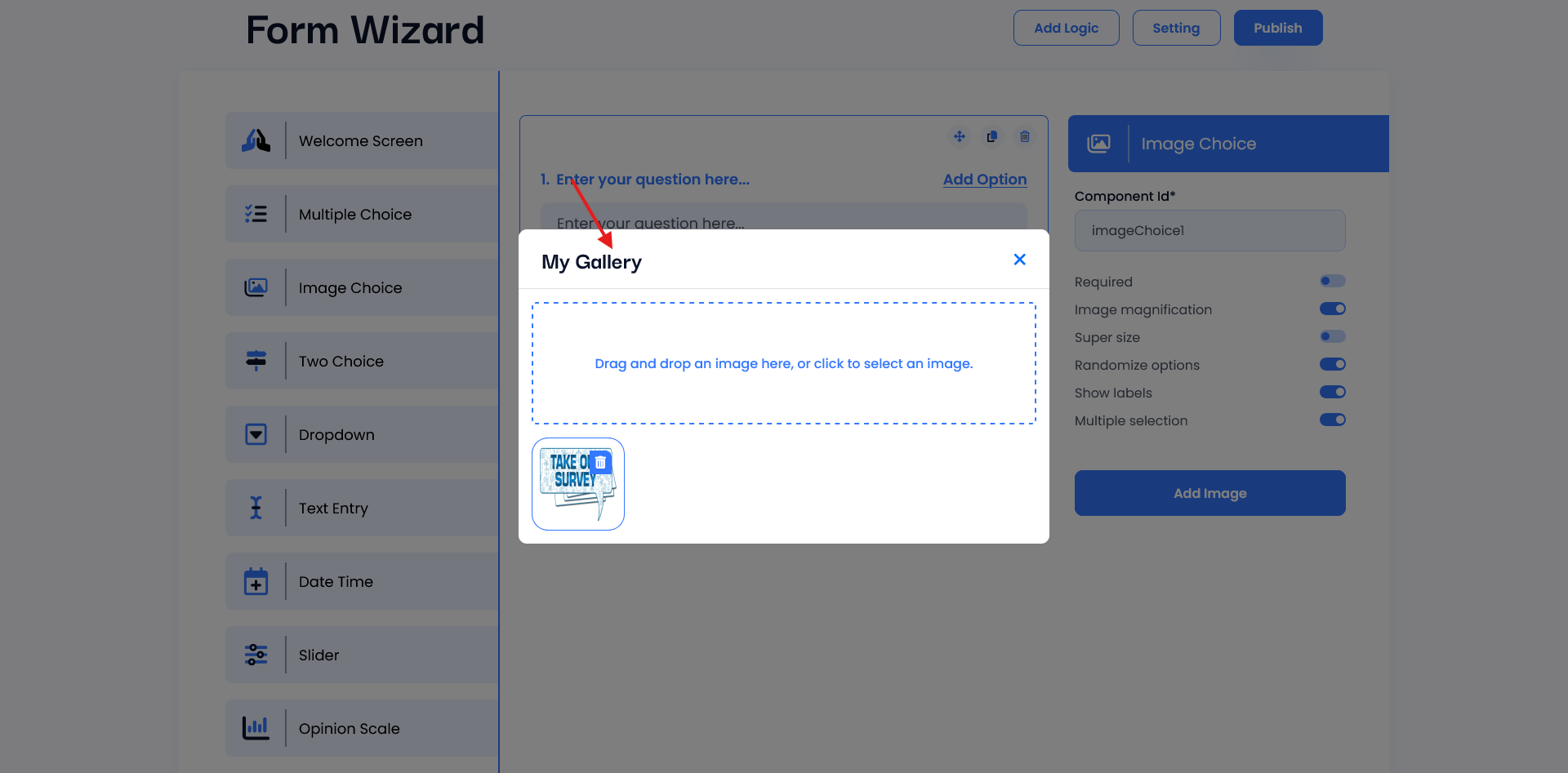
- Add Image: Option to attach an image relevant to this field.