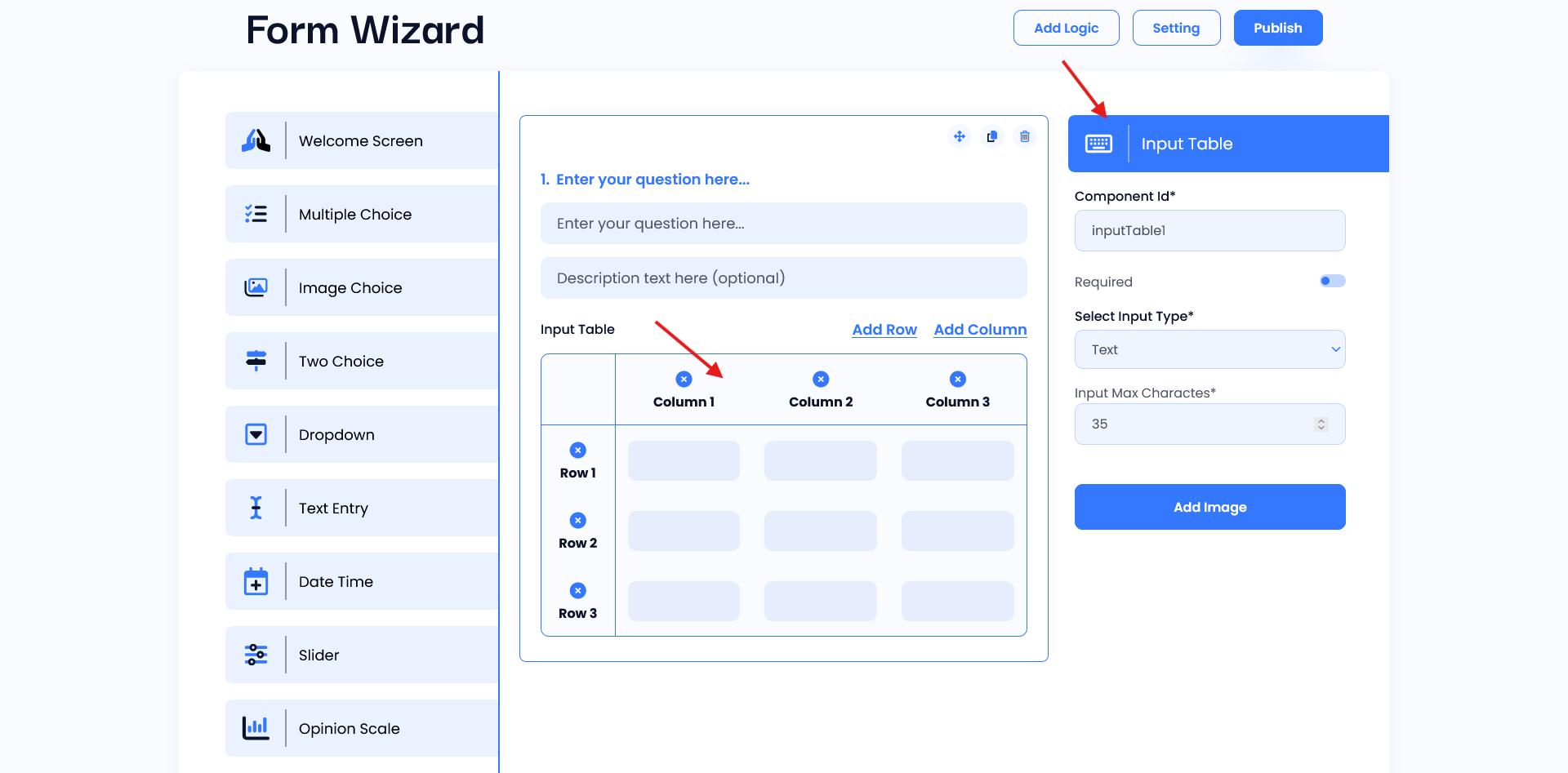
Input Table
Input Table Widget is designed for the main purpose of designing your question and input table, ideal for creating opinion scales. Easily ask questions and add details to get the answers you need using the question and description field. You can easily add rows and columns using the provided links for respondents.
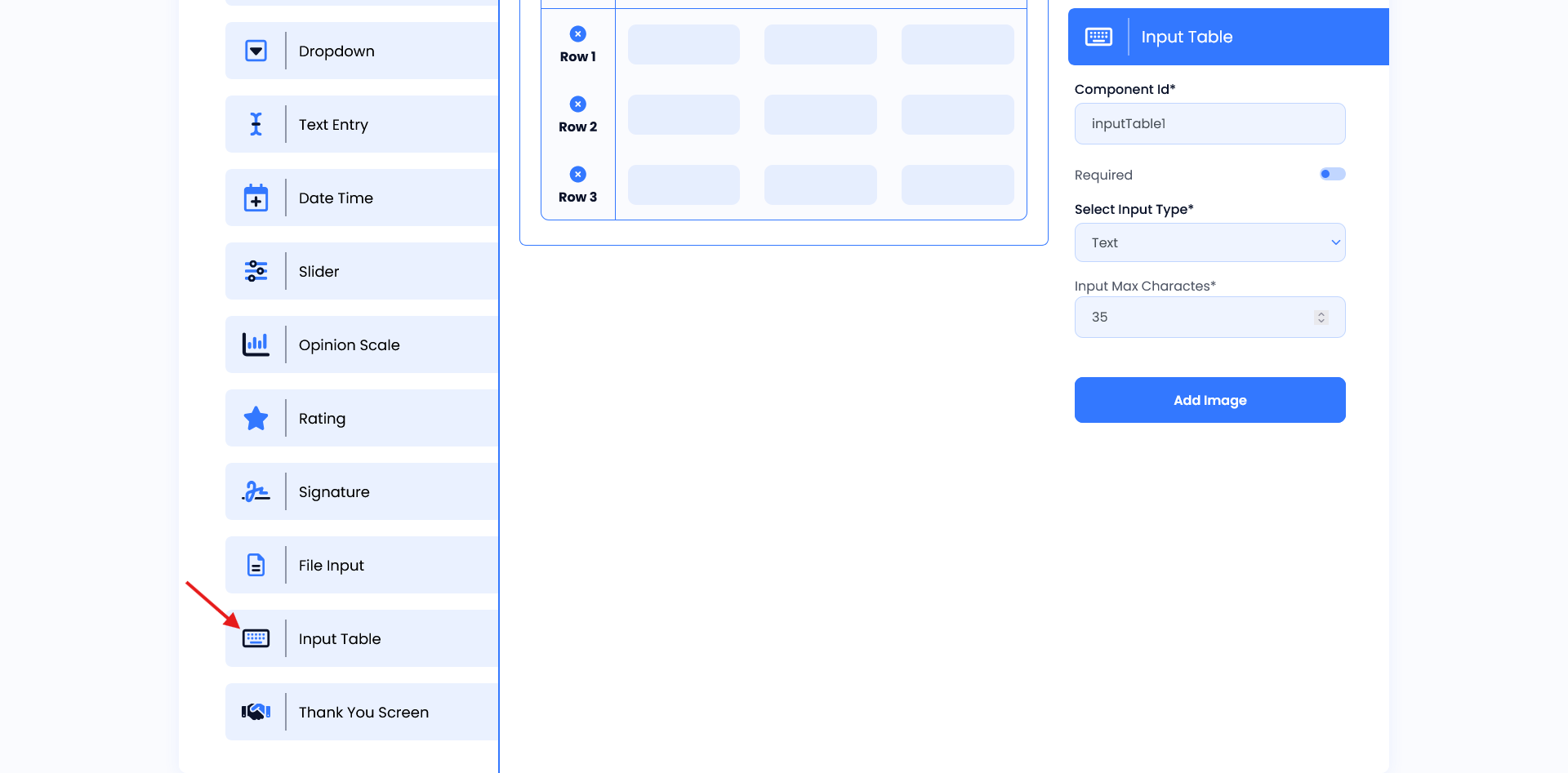
Setting
- Component ID: A unique identifier for the Input table field, used for tracking and organizing responses.
- Required Toggle: When enabled, this ensures that users must interact with the table before submitting the form.
- Select Input Type: The user can select the input type using this toggle. (e.g. checkbox, radio, Dropdown).
- Dropdown Option Label: The user adds their labels using this field of the input table.
- Add Image: Option to attach an image relevant to the input table.