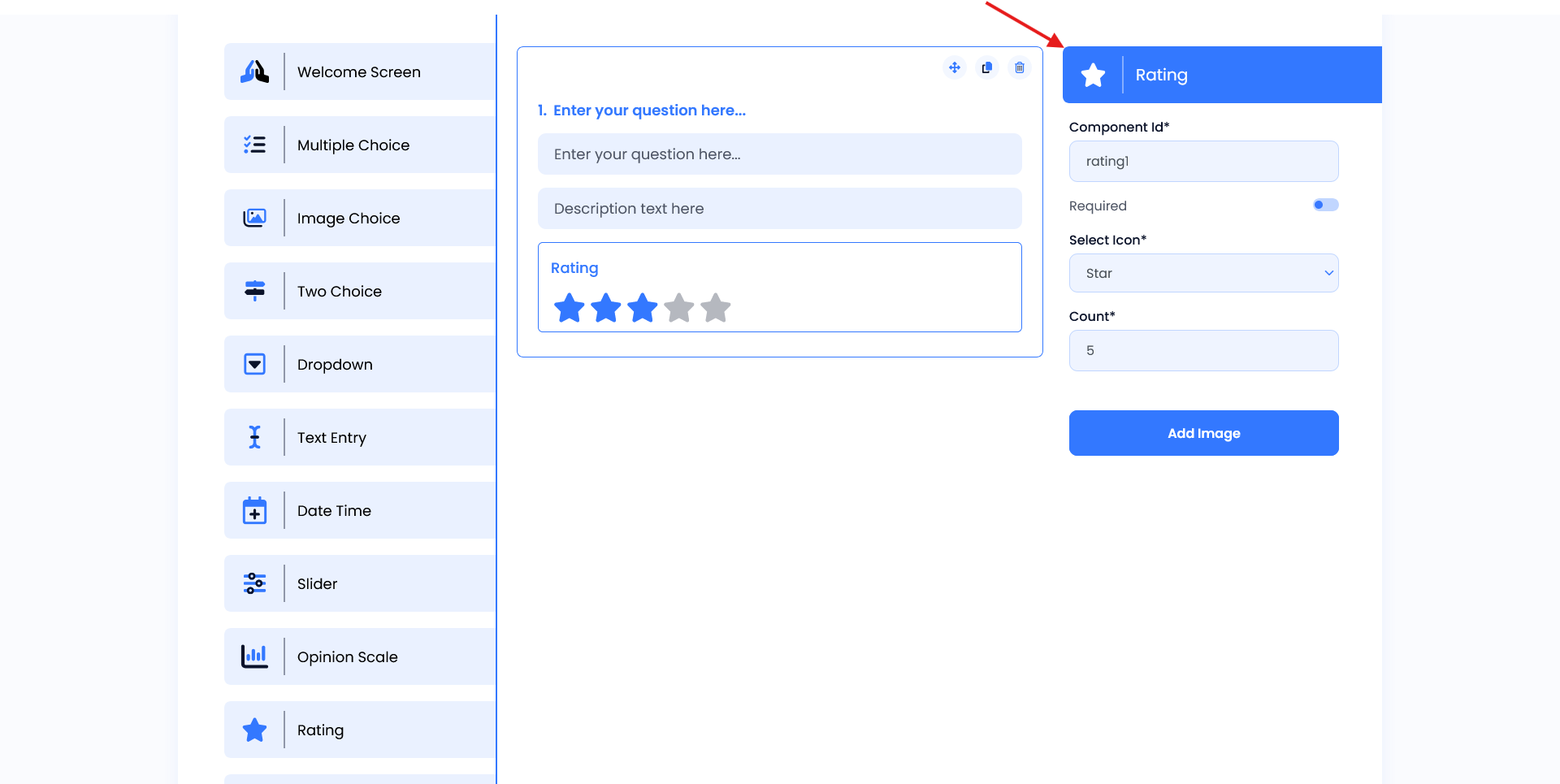
Rating
In the Rating Screen users can add their rate. Users can ask questions and descriptions using the question and description field. Below this user add their rates using the rating option.
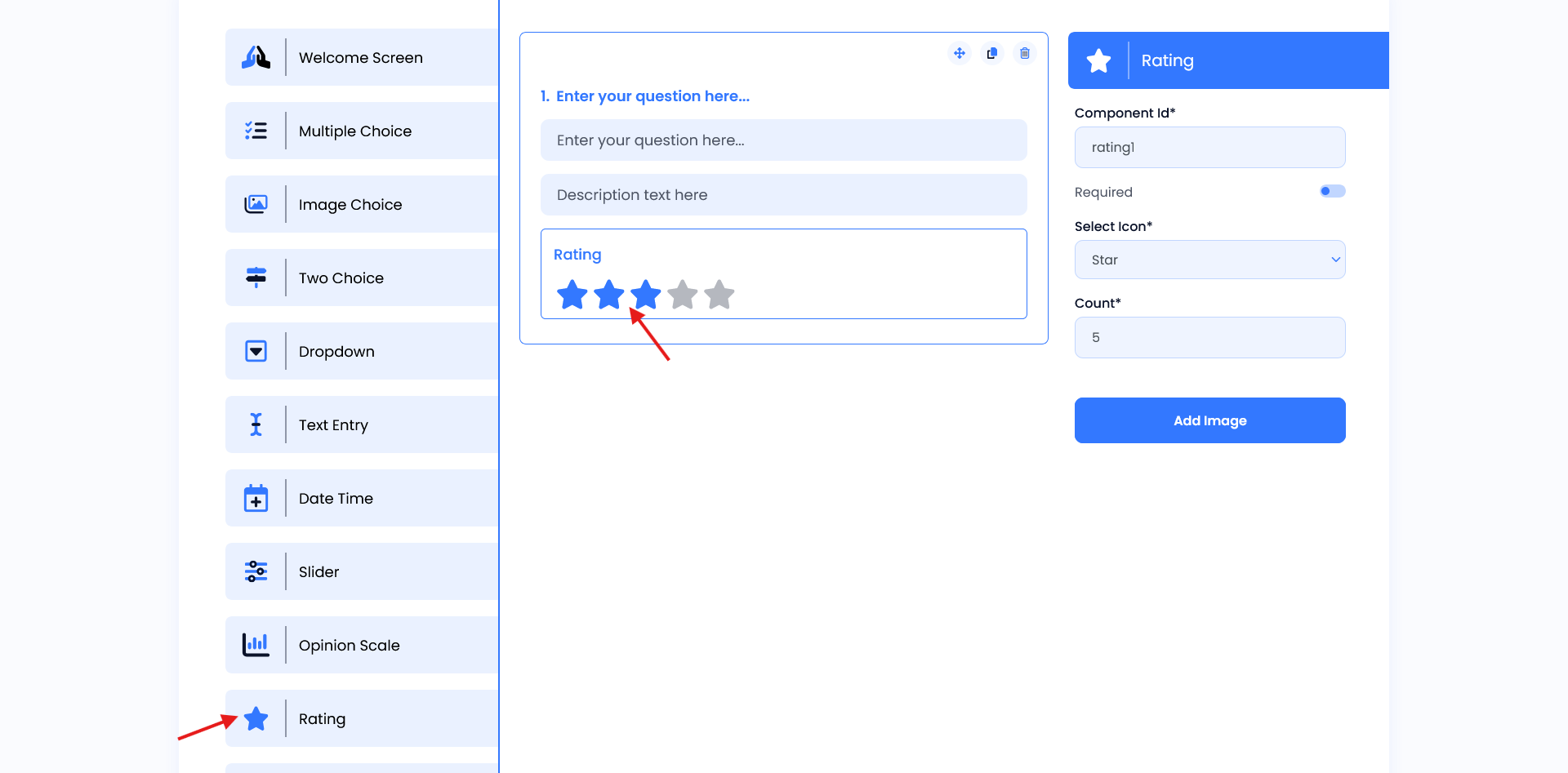
Setting
- Component ID: Assigns a unique identifier for the opinion scale component.
- Required: Toggles whether answering is mandatory.
- Select Icon: Select the rating icon using the select icon toggle (e.g. Heart, Award, Trophy, etc..).This option is required.
- Count: This defines how many rating options will be displayed to respondents(e.g. 5).
- Add Image: Option to attach an image relevant to the question.