Slider
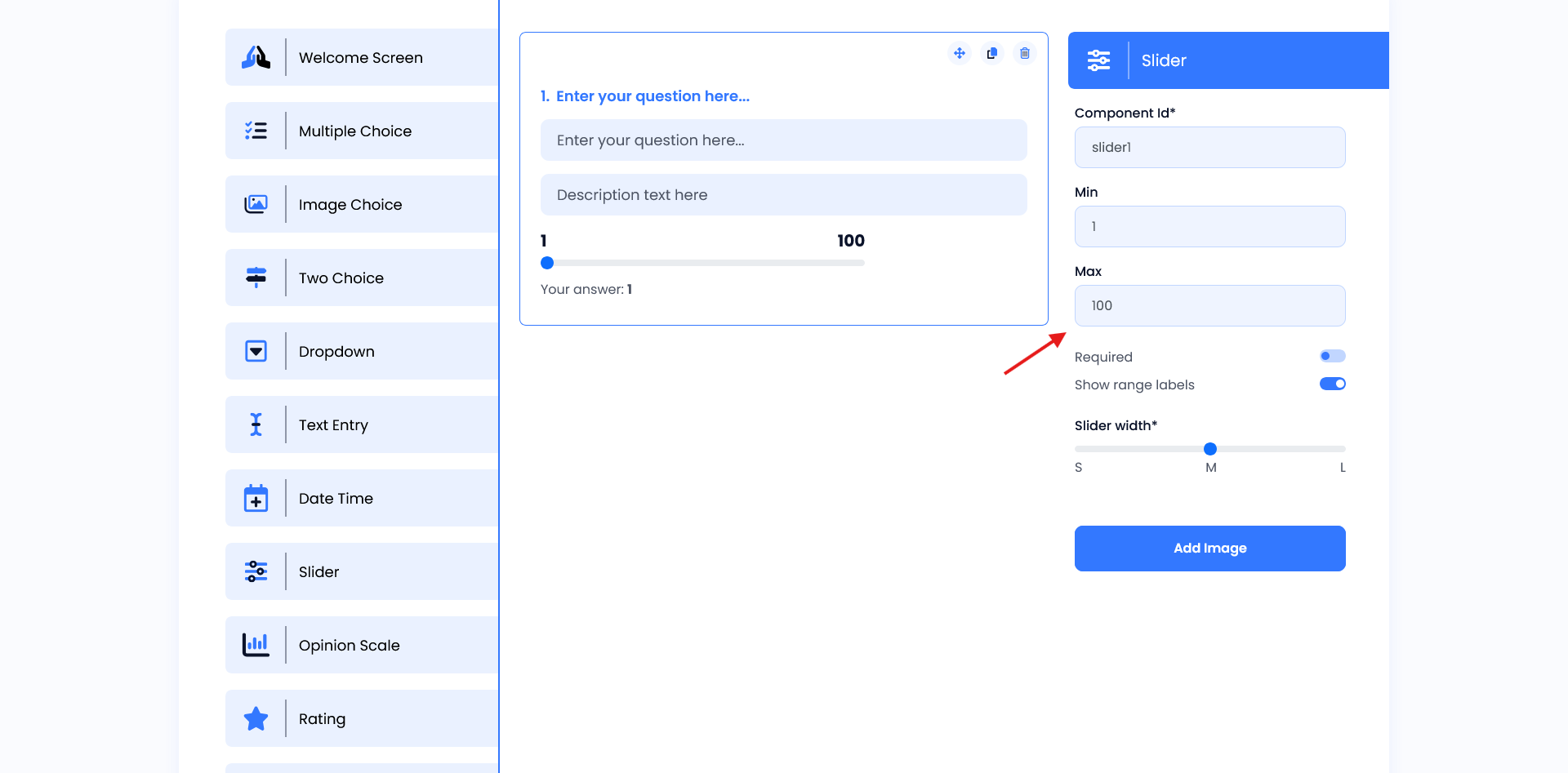
The Slider widget provides an instant preview, helping users see how it will look and function within the form. Users can easily ask questions and share details with our seamless question and description fields. As settings like min/max values, labels, or width are adjusted in the configuration panel, the middle panel immediately reflects these changes. This real-time feedback allows users to ensure the slider is visually appealing, user-friendly, and perfectly positioned in the layout.
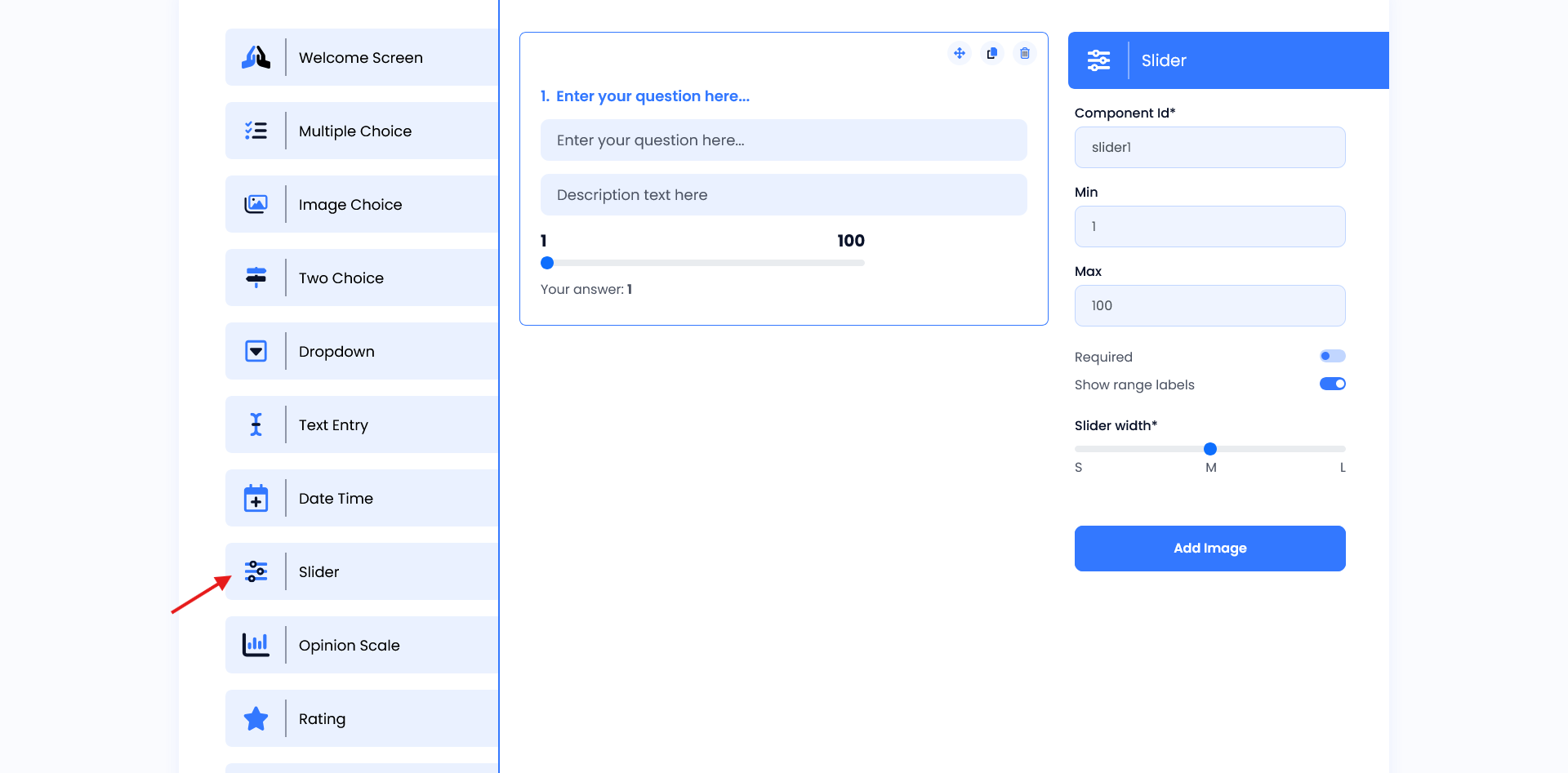
Setting
- Component ID: The unique identifier (e.g.,
slider1) makes it easy for developers to reference the widget in code, allowing for data capture and further customization. - Min and Max Values: These settings define the range of the slider (e.g., 1 to 100), making it suitable for situations where inputs need to be constrained within specific bounds, such as ratings, percentages, or measurements.
- Required Toggle: When enabled, this ensures that users must interact with the slider before submitting the form, ensuring that necessary data is provided.
- Show Range Labels: This feature displays the minimum and maximum values on either side of the slider, giving users a clear visual reference of the range they are selecting from.
- Slider Width: This setting allows the slider’s width to be adjusted (e.g., small, medium, large), making it adaptable to different layouts and user interface requirements.